Try On a Tattoo Before You Commit
The biggest source of tattoo regret isn't bad artwork — it's the gap between imagination and reality. A design that looks perfect on paper can feel wrong on your forearm: too big, too small, oddly placed, fighting the natural lines of your body. Professional artists solve this with stencils and markers at the studio. Now you can solve it at home, in about a minute, with two features built into TattooMancer: photo try-on and design animation.
Why Preview Before You Commit
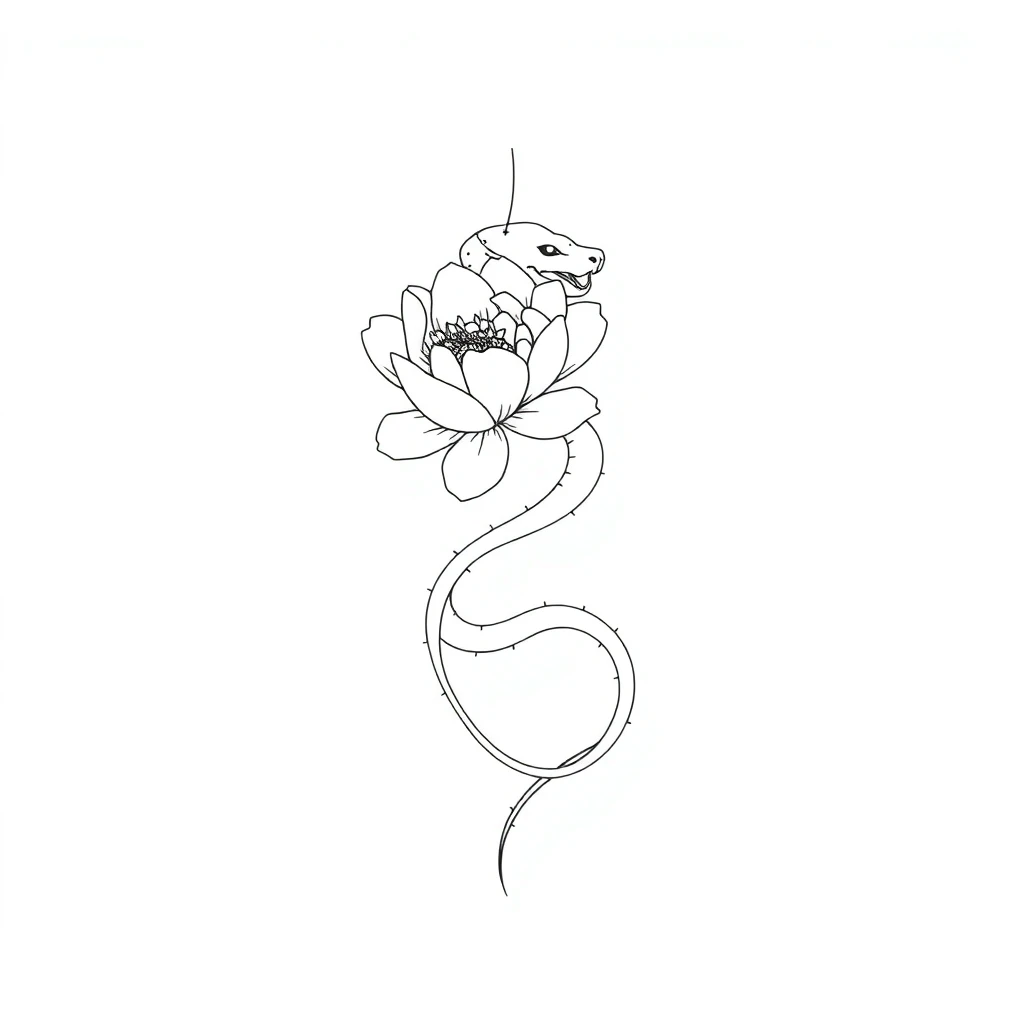
Skin isn't paper. It curves, stretches and has its own visual logic — a vertical composition that suits a forearm looks cramped on a shoulder blade, and a delicate wrist piece disappears on a thigh. Trying a design on your actual body photo answers the three questions that matter: is the size right, does the placement flow with your anatomy, and do you still love it when it's on you rather than on a screen? People who preview placements consistently make bolder, more confident choices — and cancel fewer appointments.
How the Photo Try-On Works
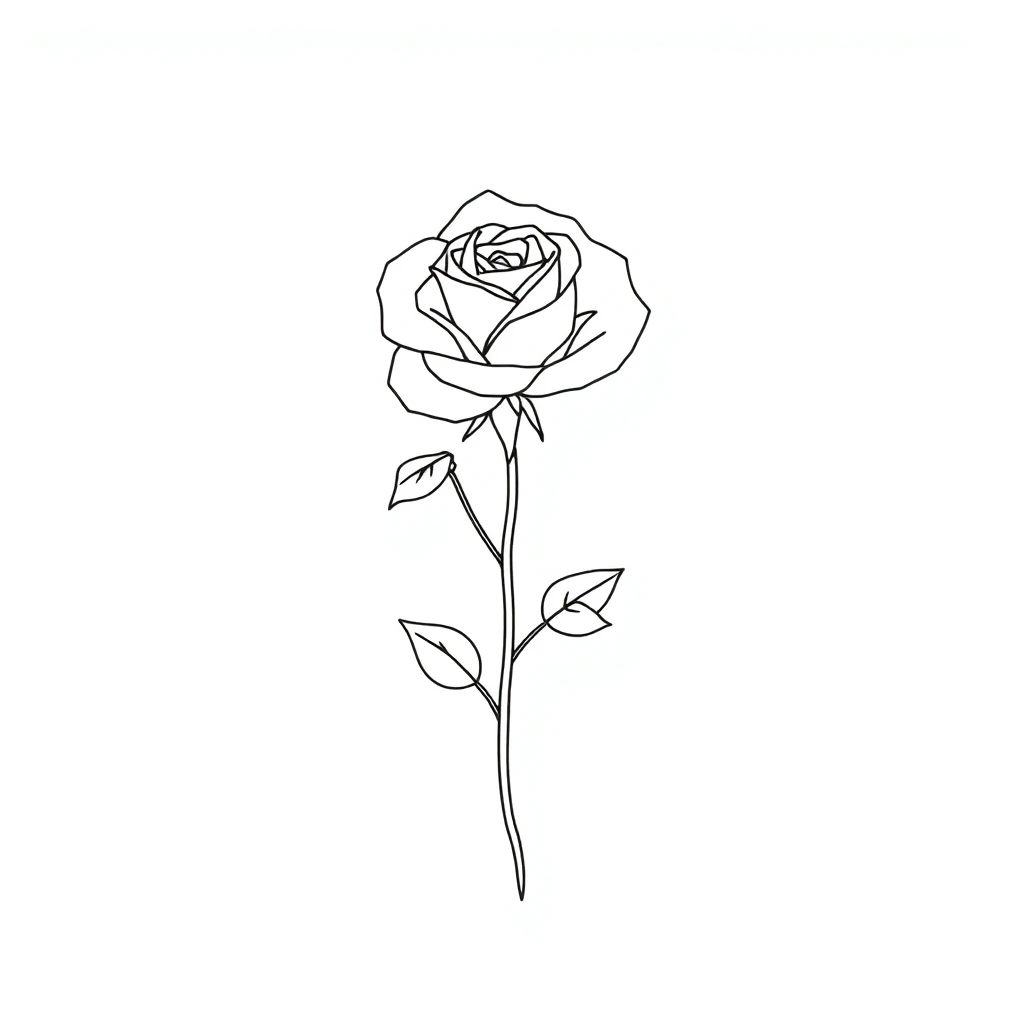
Generate any design on TattooMancer — every result card has a “Try on” button. Upload a photo of your arm, leg, back or wherever you're considering: the design overlays your photo with the white background automatically removed, so only the linework sits on your skin. Drag it into position with a finger or mouse, adjust size and rotation with sliders, and download the preview to compare options or send to friends. Everything happens in your browser — the photo never leaves your device. It works with any of our 21 styles, from minimalist to blackwork.
Animate Your Design
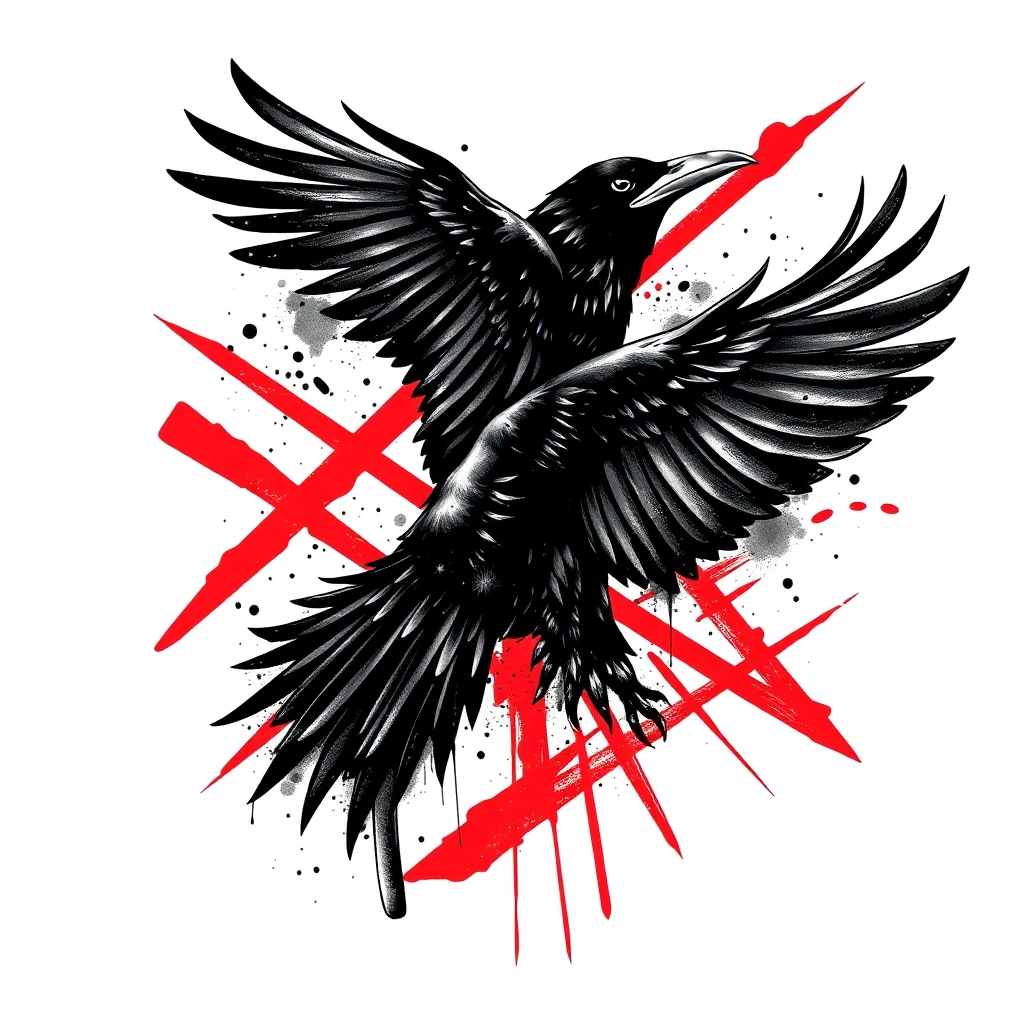
Want to see your future tattoo breathe? Pro users can animate any generated design into a 5-second looping video: lines shimmer, smoke drifts, petals sway — while the artwork keeps its shape. It's built for sharing: post the loop to a story, send it to your group chat, or just enjoy your design coming alive before it lives on your skin. Animation is included in the Pro plan along with 30 daily generations and a commercial license.
From Photo to Tattoo
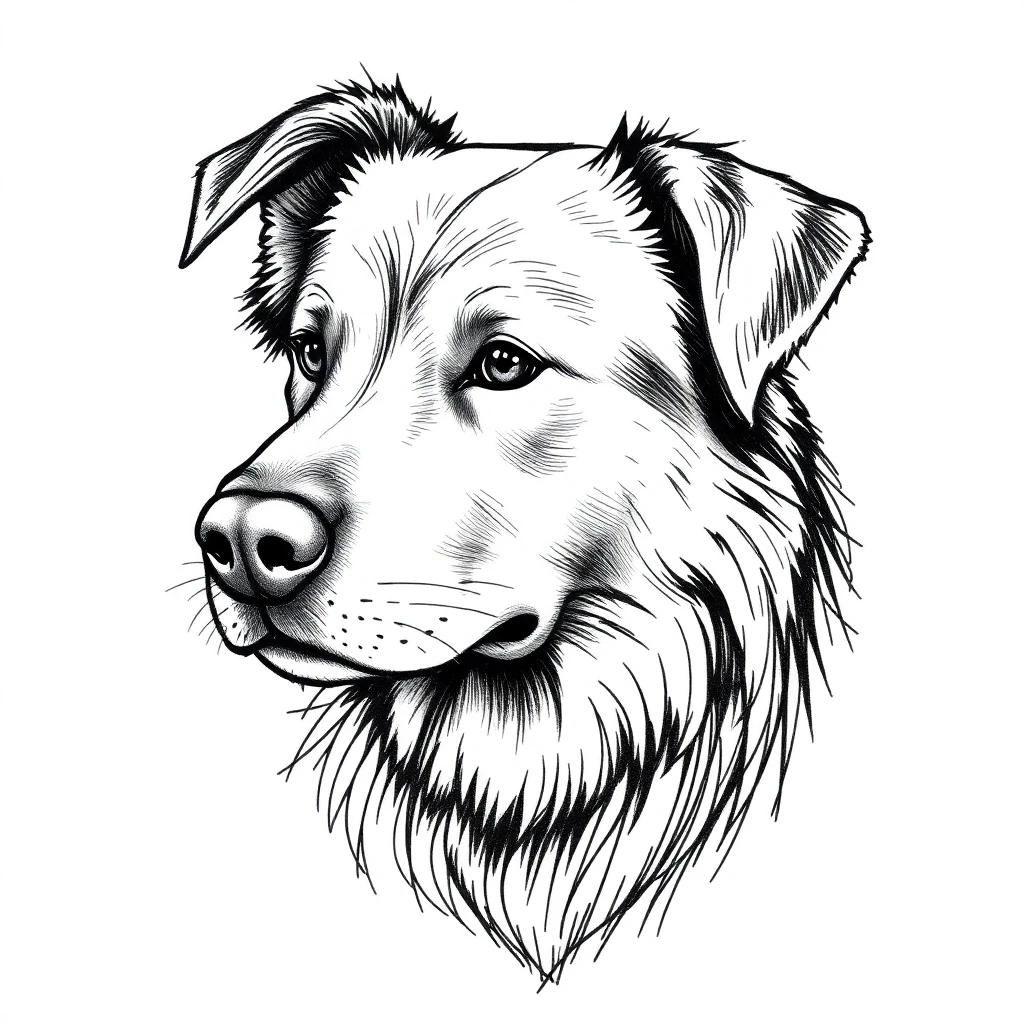
Try-on works in the other direction too. Upload a photo of your pet, a portrait or a meaningful object, and the AI turns its subject into a tattoo design in your chosen style — see our guide to how AI tattoo generation works for the details. And if the photo you upload is an old tattoo you want gone, tick the cover-up option: our cover-up guide explains how AI designs a piece that fully conceals it.
Tips for a Realistic Preview
Three small things make try-on previews dramatically more accurate. Shoot the body part straight-on in daylight — angled shots distort proportions. Keep a reference object in frame mentally: a design that covers your whole forearm photo will cover your whole forearm in reality. And test at least two sizes: almost everyone's first instinct runs 20% too small, which is exactly the kind of thing you want to discover before the needle, not after. When you've found the one, browse our first tattoo guide for what happens next at the studio.
FAQ
Is the photo try-on true to size? The preview matches whatever size you set with the slider — that's the point: test two or three sizes on your own photo and see which reads best. For final sizing, your artist will print a stencil at exact dimensions.
Does my photo get uploaded anywhere? No. The try-on runs entirely in your browser — the photo of your body never leaves your device. Only the tattoo designs themselves are generated on our servers.
How long does the animation take? Clean design sheets animate in about a minute. Photorealistic on-skin previews use a heavier model and take 2-5 minutes — worth the wait.
Can I animate a tattoo I already have? Yes — use the Live Tattoo camera feature: point your camera at any real tattoo and AI brings it to life. Read the Live Tattoo guide for details.